
The web application found here is a great way to carry a portable reference library of ADF components along with you wherever you go. This is very handy if you are working on the design of an ADF or WebCenter application, and you want to check the functionality of a component.
All you need is JDeveloper. I used 11.1.1.2. It’s easy to set up:
- In JDeveloper, select Start Server Instance from the Run menu. This will start up your WebLogic Server.
- Open a browser and navigate to http://localhost:7101/console.
- Log on to the WebLogic console as weblogic/weblogic1.
- Click on Deployments in the left hand menu.
- Click on the Install button.
- Point to the location of the war file you just downloaded.
- Click on Next until Finish is available, then click on Finish. Your war file will deploy.
- Now point your browser to http://localhost:7101/faces-trunk/faces/components/index.jspx and you’re done!
Here are some examples of what you get!
First, a variety of inputs. You can see over there on the right hand side a bunch of attributes you can change at runtime to see the effect.

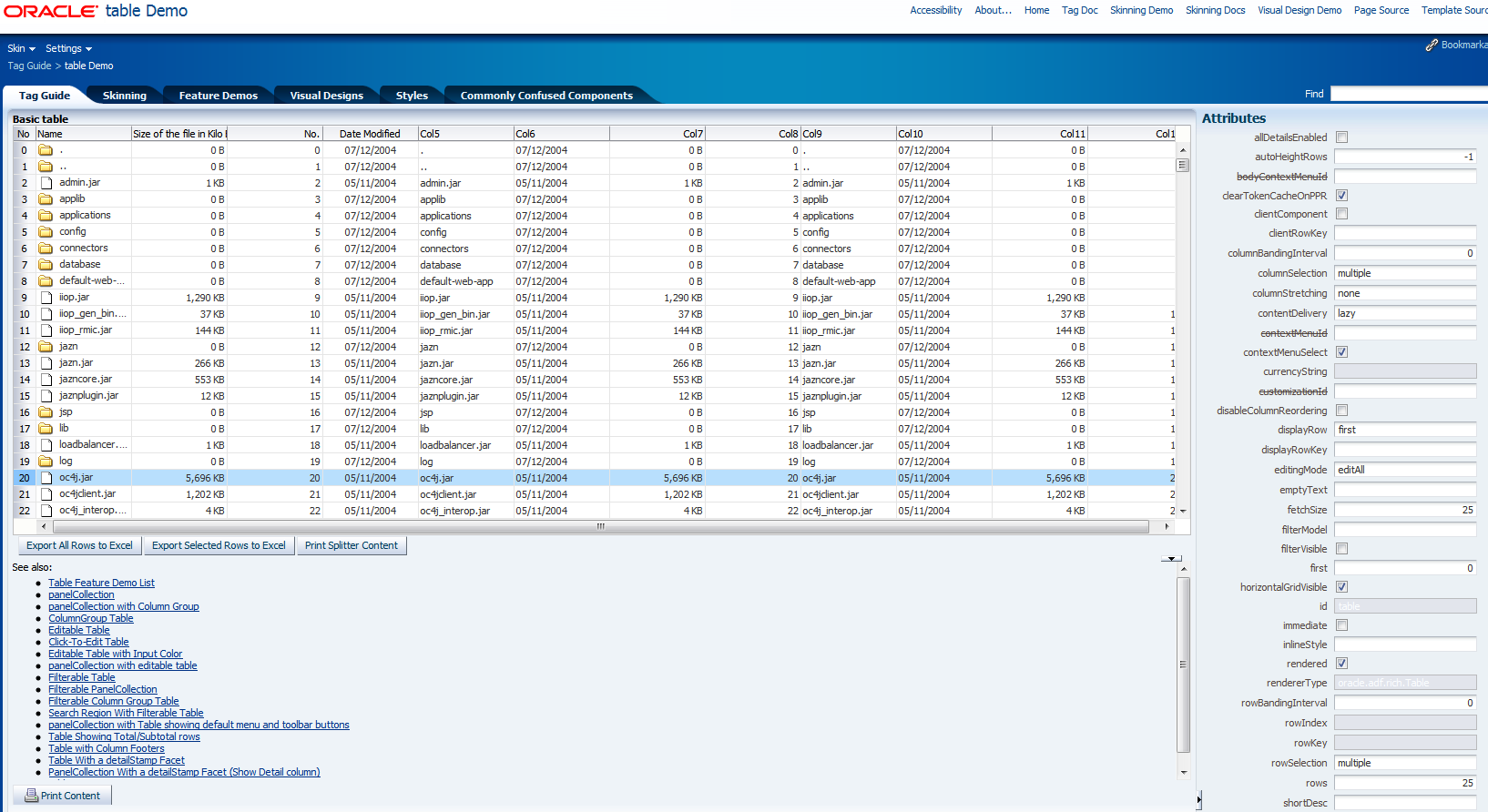
And here is a table, in this case showing some files.
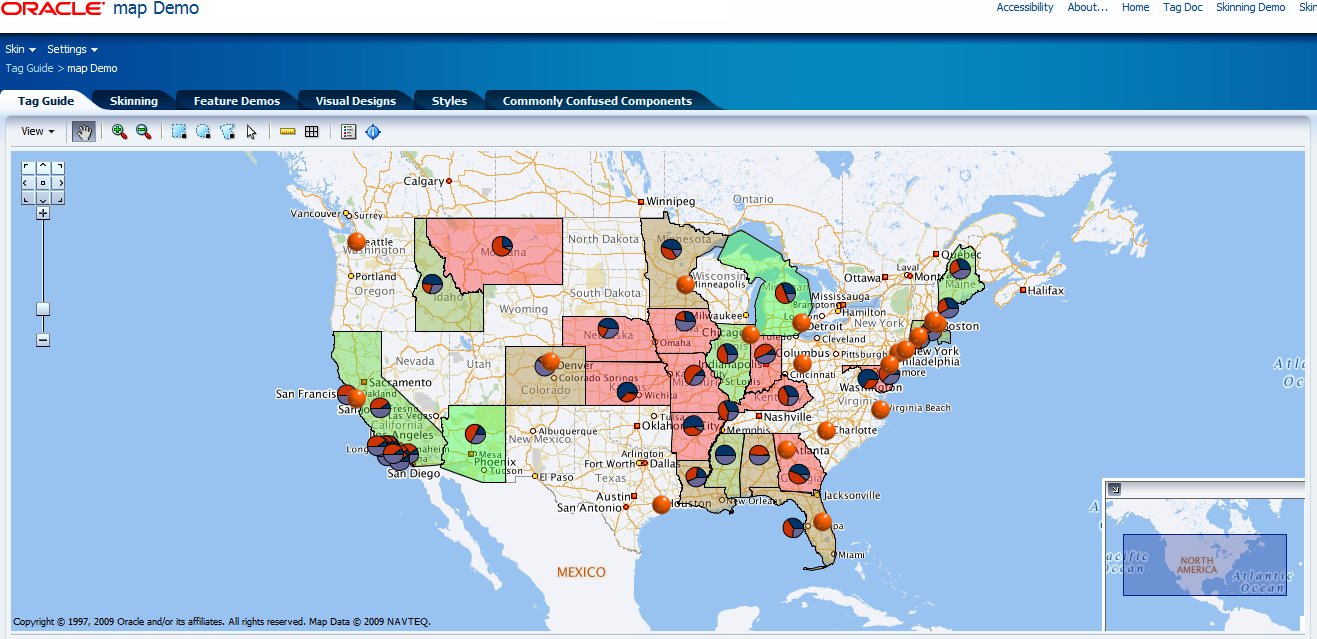
This one is a map (one of my favourites)
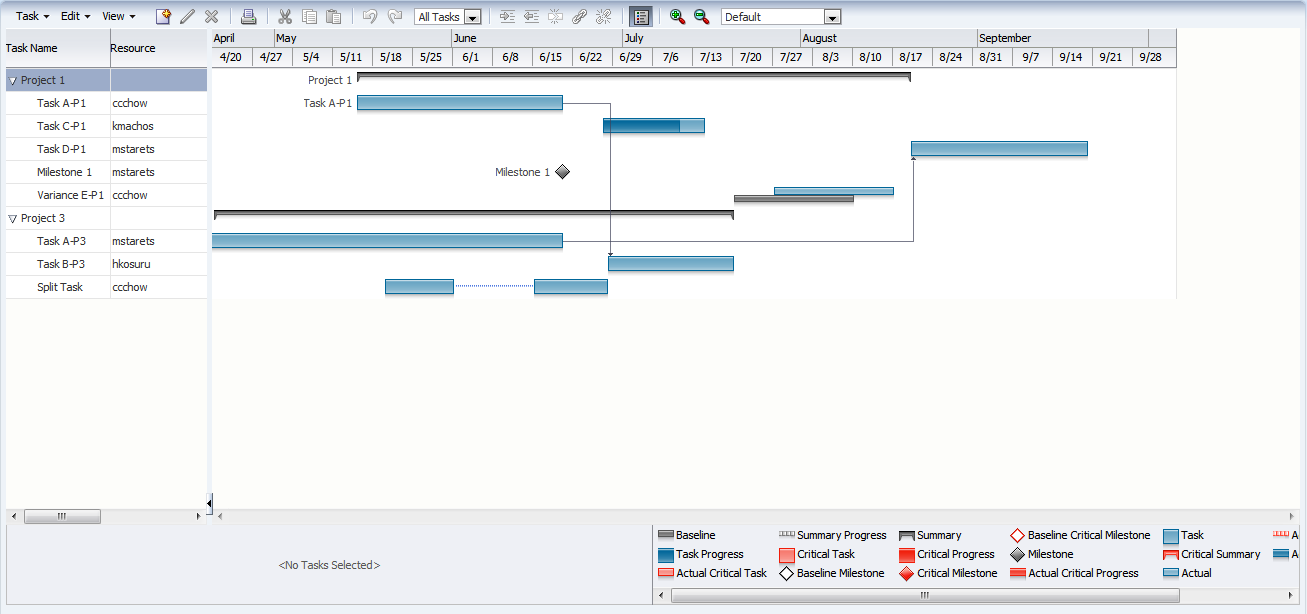
And last but not least, the Project Gantt component.
Of course, you can see many more components that these four. There are examples in there of hundreds of components, layouts and styles and skinning too.

 RedStack
You must be logged in to post a comment.